
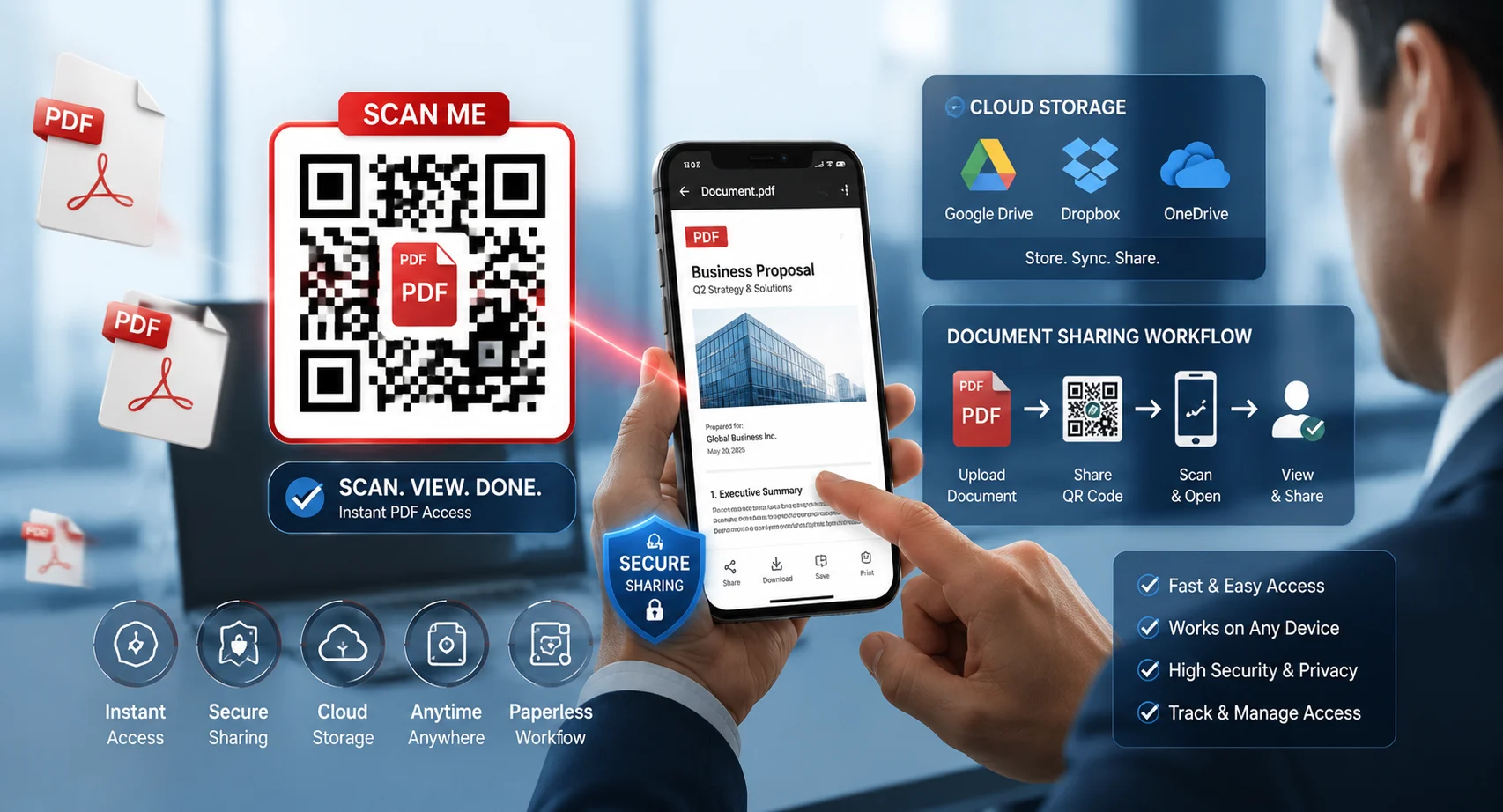
Sharing PDF documents doesn’t have to involve long URLs, email attachments, or complicated download instructions. A QR code for a PDF file allows users to scan a code and instantly open your document on their smartphone, tablet, or computer.
Whether you’re sharing brochures, restaurant menus, catalogs, eBooks, business documents, presentations, or educational materials, PDF QR codes provide a fast and professional solution.
This step-by-step guide shows exactly how to create a QR code for a PDF file and share documents effortlessly.
Table of Contents
- What Is a PDF QR Code?
- Benefits of PDF QR Codes
- How to Create a QR Code for a PDF File
- Where to Use PDF QR Codes
- Best Practices
- Common Mistakes
- FAQ
What Is a PDF QR Code?
A PDF QR code is a QR code that links directly to a PDF document stored online.
When someone scans the QR code, the PDF opens instantly without requiring them to manually type a web address.
Businesses commonly use PDF QR codes for:
- Restaurant menus
- Product catalogs
- User manuals
- Business brochures
- eBooks
- Event programs
- Educational resources
Create PDF QR Codes in Minutes
Generate QR codes for PDF files, websites, business cards, menus, and digital documents instantly.
Create PDF QR CodeBenefits of Using QR Codes for PDF Files
Instant Access
Users can open PDFs immediately with a quick scan.
Paperless Sharing
Reduce printing costs and distribute documents digitally.
Professional Experience
Provide customers and clients with convenient document access.
Easy Updates
Dynamic QR codes allow document updates without reprinting.
How to Create a QR Code for a PDF File
Step 1: Upload Your PDF
Upload your PDF to a cloud storage service, website, or document-sharing platform where it can be accessed publicly.
Step 2: Copy the PDF URL
After uploading, copy the direct URL to the PDF file.
Step 3: Open a QR Code Generator
Visit a QR code generator and choose the URL option.
Step 4: Paste the PDF Link
Paste your PDF URL into the generator field.
Step 5: Generate the QR Code
The system will instantly create a QR code pointing to your PDF.
Step 6: Download and Test
Download the QR code and test it using multiple devices before publishing.
Share PDF Documents Without Long Links
Turn brochures, manuals, catalogs, and presentations into easy-to-scan QR codes.
Generate QR CodeWhere Can You Use PDF QR Codes?
- Product packaging
- Restaurant tables
- Business cards
- Trade shows
- Retail stores
- Marketing brochures
- Educational handouts
- Conference materials
- Event signage
Any situation where people need quick access to digital documents can benefit from PDF QR codes.
Best Practices for PDF QR Codes
- Use mobile-friendly PDFs.
- Compress large PDF files for faster loading.
- Use high-resolution QR codes.
- Test on multiple devices.
- Add a call-to-action such as “Scan to View PDF.”
- Keep file links active long-term.
The faster your PDF loads after scanning, the better the user experience and engagement.
Common Mistakes to Avoid
- Linking to private PDFs
- Using broken URLs
- Uploading oversized files
- Printing low-quality QR codes
- Skipping scan testing
- Removing the QR code quiet zone
Static vs Dynamic PDF QR Codes
| Feature | Static | Dynamic |
|---|---|---|
| Editable Link | No | Yes |
| Scan Tracking | No | Yes |
| Best For | Permanent Documents | Business & Marketing |
Create Professional PDF QR Codes Today
Generate secure QR codes for PDFs, websites, menus, brochures, and business documents.
Start CreatingFrequently Asked Questions
Can I create a QR code directly from a PDF?
Most generators require a public PDF URL. Upload the file first, then create the QR code.
Are PDF QR codes free?
Yes. Static PDF QR codes are usually free to create.
Can I update the PDF later?
Dynamic QR codes allow you to change the linked document without replacing the QR code.
Do PDF QR codes expire?
Static QR codes generally do not expire if the PDF link remains active.
Final Thoughts
Creating a QR code for a PDF file is one of the simplest ways to distribute documents digitally. Whether you’re sharing catalogs, brochures, menus, manuals, or educational materials, PDF QR codes improve accessibility and eliminate the need for long URLs.
With a reliable QR code generator and a publicly accessible PDF file, you can create professional document-sharing experiences in just a few minutes.

Leave a Reply