
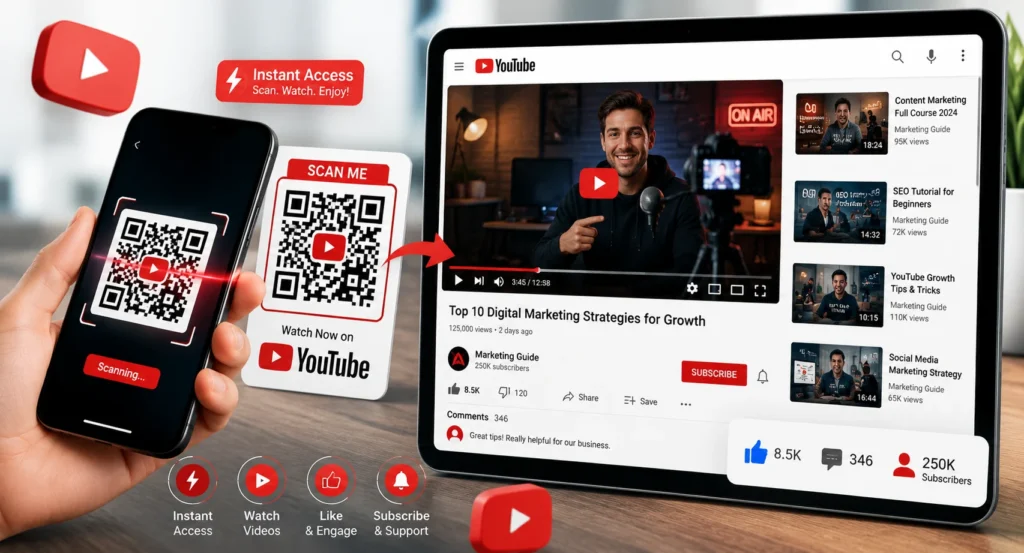
Want more people to watch your YouTube videos without asking them to type long URLs? A QR code for a YouTube video makes it easy for anyone to scan and instantly open your content on their smartphone.
Whether you’re a creator, business owner, teacher, marketer, or event organizer, YouTube QR codes help bridge the gap between offline and online audiences.
This guide explains the fastest free method to create a YouTube QR code and shares tips to maximize scans and video views.
Table of Contents
What Is a YouTube QR Code?
A YouTube QR code is a scannable code that instantly opens a YouTube video, channel, playlist, or YouTube Shorts link when scanned with a smartphone.
Instead of typing a URL manually, users simply scan the code and are taken directly to your content.
Popular Uses
- YouTube video promotion
- Product tutorials
- Restaurant video menus
- Event presentations
- Educational content
- Business marketing campaigns
Create a YouTube QR Code in Seconds
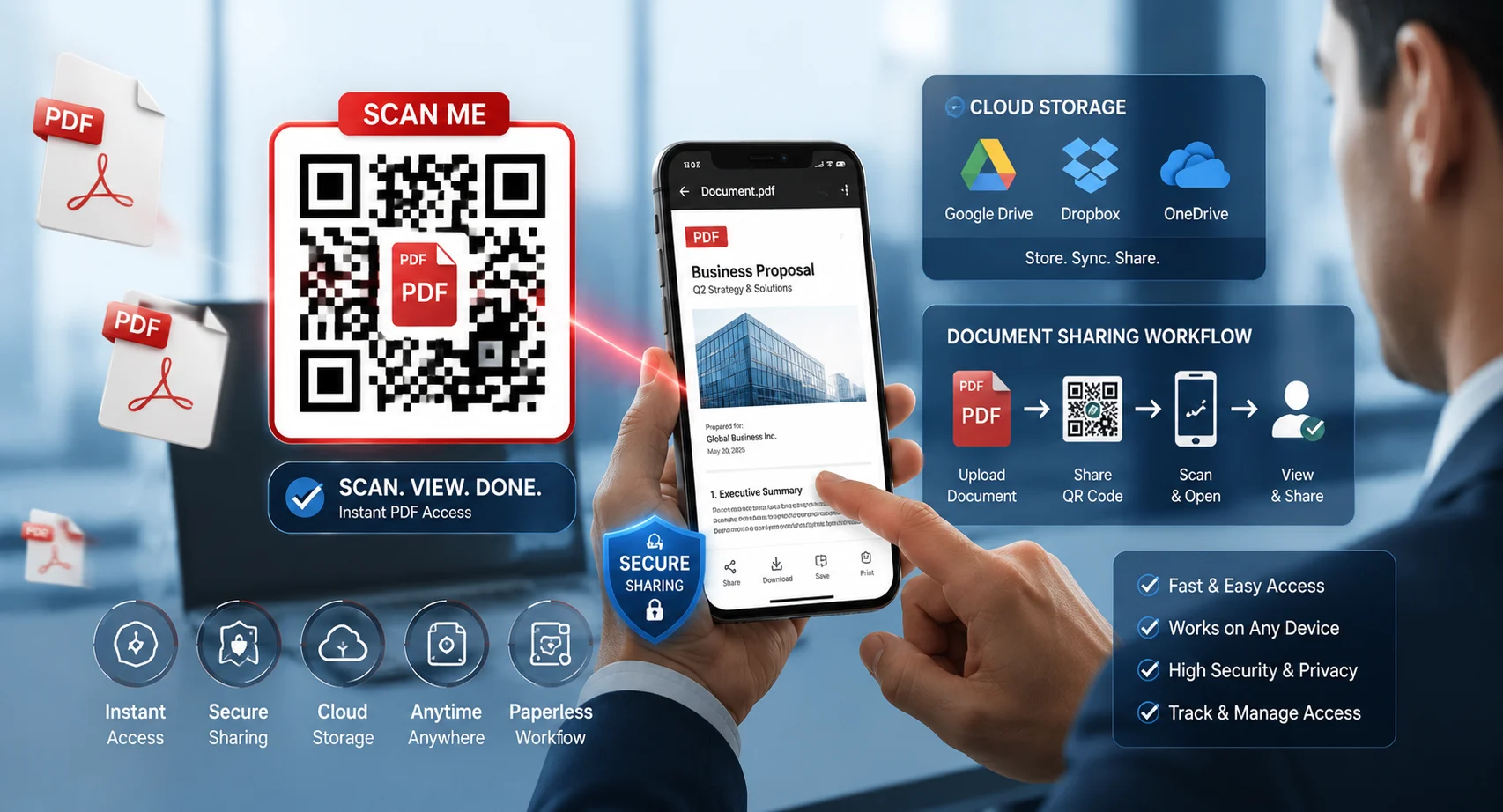
Convert any YouTube video, channel, playlist, or Shorts URL into a scannable QR code for free.
Create YouTube QR CodeBenefits of Using QR Codes for YouTube Videos
More Video Views
Remove barriers and make it easier for viewers to access your content.
Better Engagement
Encourage likes, comments, subscriptions, and video shares.
Offline Marketing
Promote videos through posters, flyers, packaging, and business cards.
Quick Access
Users can watch videos instantly with a simple smartphone scan.
How to Create a QR Code for a YouTube Video
Step 1: Copy Your YouTube Video URL
Open your YouTube video and copy the full video link from the address bar or Share button.
Step 2: Open a QR Code Generator
Visit a QR code generator that supports website URLs.
Step 3: Paste the YouTube Link
Paste your video URL into the URL field.
Step 4: Generate the QR Code
The tool will instantly create a scannable QR code linked to your video.
Step 5: Download and Share
Download the QR code as PNG, SVG, or PDF and add it to your marketing materials.
Turn Any YouTube Link Into a QR Code
Share YouTube videos instantly through posters, product packaging, business cards, presentations, and social campaigns.
Generate Free QR CodeWhere Can You Use a YouTube QR Code?
- Business cards
- Product packaging
- Restaurant tables
- Trade show booths
- Flyers and brochures
- Classroom materials
- Retail displays
- Event signage
- Marketing campaigns
QR codes help connect physical marketing materials directly to video content, increasing engagement and conversions.
Best Practices for YouTube QR Codes
- Add a clear call-to-action like “Scan to Watch”.
- Use high-resolution QR codes.
- Test before printing.
- Keep enough white space around the QR code.
- Use brand colors carefully without reducing contrast.
- Place QR codes where people can easily scan them.
QR codes perform best when users immediately understand what they’ll receive after scanning.
Ready to Promote Your YouTube Videos?
Create professional QR codes for YouTube videos, playlists, channels, websites, PDFs, and marketing campaigns.
Create QR Code NowFrequently Asked Questions
Can I create a QR code for any YouTube video?
Yes. Any public YouTube video, channel, playlist, or Shorts URL can be converted into a QR code.
Are YouTube QR codes free?
Yes. Most QR code generators allow free static QR codes for YouTube links.
Do users need a QR scanner app?
No. Most modern smartphones can scan QR codes directly using the camera app.
Can I track scans?
Yes. Dynamic QR codes often include scan tracking and analytics features.
Final Thoughts
Creating a QR code for a YouTube video is one of the easiest ways to increase views and make your content more accessible.
Whether you’re promoting tutorials, product demos, educational content, or marketing campaigns, QR codes help connect offline audiences directly to your videos in seconds.
With a free QR code generator, you can create and share a YouTube QR code in just a few minutes and start driving more engagement immediately.

Leave a Reply