
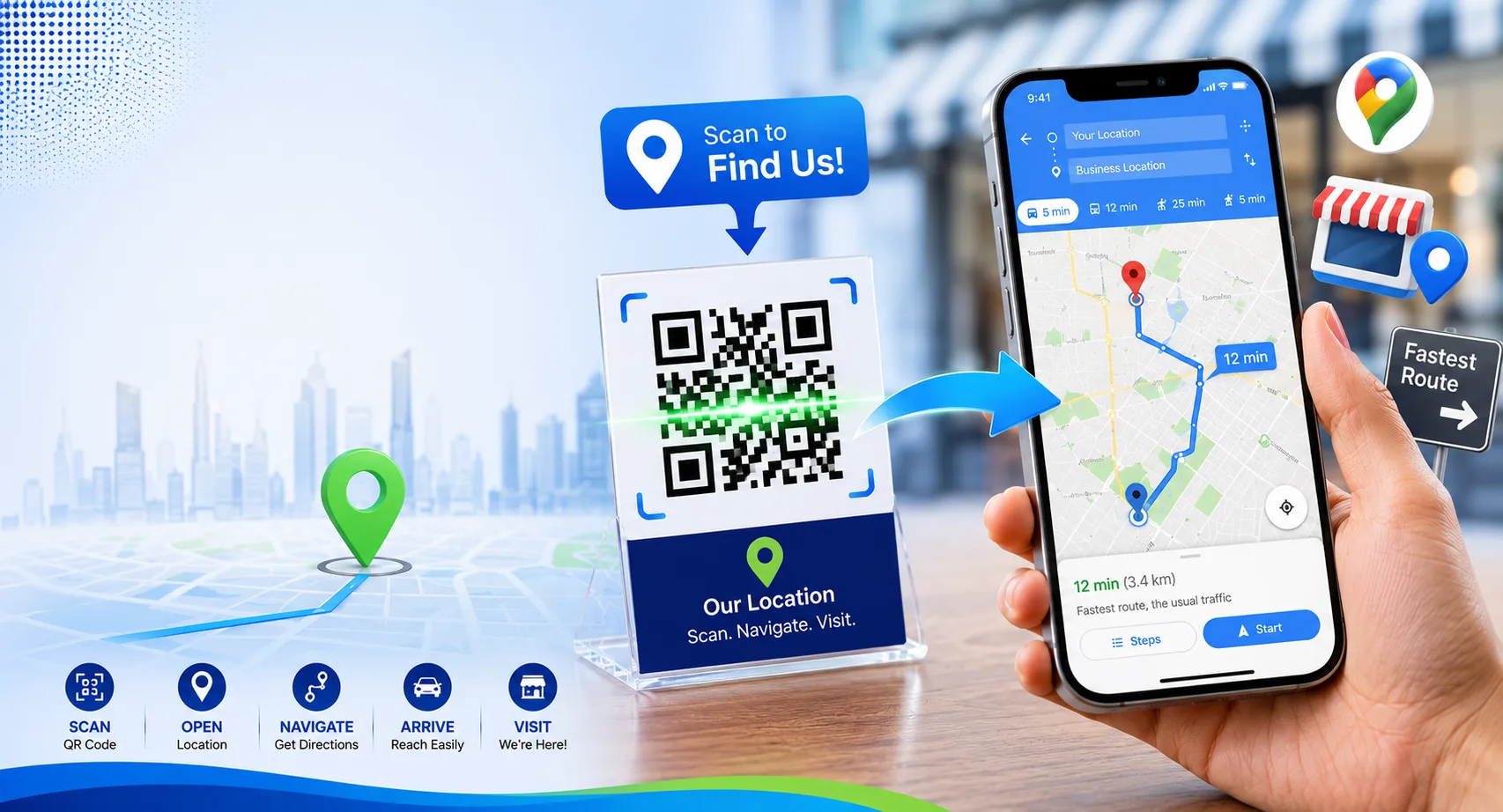
If customers struggle to find your location, you could be losing valuable business. A QR code for a Google Maps location makes it easy for people to get directions with a simple smartphone scan.
Instead of typing an address manually, users can scan a QR code and instantly open your location in Google Maps. This improves convenience, reduces navigation errors, and helps customers reach you faster.
Whether you own a restaurant, retail store, office, clinic, hotel, or event venue, Google Maps QR codes can improve the customer experience and increase foot traffic.
Table of Contents
- What Is a Google Maps QR Code?
- Benefits of Using Map QR Codes
- How to Create a QR Code for a Google Maps Location
- Where to Use Location QR Codes
- Best Practices
- Common Mistakes to Avoid
- Frequently Asked Questions
What Is a Google Maps QR Code?
A Google Maps QR code is a scannable QR code that opens a specific location directly in Google Maps.
After scanning, users can:
- View your location instantly
- Start turn-by-turn navigation
- Check business hours
- Read customer reviews
- Call your business
- Save the location for later
This removes the need to manually search for an address or enter GPS coordinates.
Create Google Maps QR Codes for Free
Generate QR codes for locations, websites, PDFs, business cards, menus, WiFi, and more.
Create QR CodeBenefits of Using QR Codes for Locations
Easy Navigation
Customers can start directions immediately after scanning.
Better Customer Experience
Reduce confusion caused by manually entering addresses.
More Foot Traffic
Make it easier for people to visit your business.
Professional Marketing
Add location QR codes to brochures, flyers, and advertisements.
How to Create a QR Code for a Google Maps Location
Step 1: Open Google Maps
Search for your business, office, event venue, or any location you want to share.
Step 2: Copy the Location Link
Click the Share button and copy the Google Maps URL.
Step 3: Open a QR Code Generator
Visit your preferred QR code generator.
Step 4: Paste the Google Maps Link
Paste the copied URL into the generator’s URL field.
Step 5: Generate the QR Code
The system will instantly create a QR code linked to your location.
Step 6: Download and Test
Scan the QR code using multiple devices to ensure it opens correctly.
Help Customers Find You Faster
Create QR codes that instantly launch Google Maps directions and improve customer convenience.
Generate Location QR CodeWhere Can You Use Google Maps QR Codes?
- Business cards
- Storefront windows
- Restaurant menus
- Event invitations
- Conference materials
- Brochures and flyers
- Vehicle branding
- Hotel welcome materials
- Real estate signage
- Product packaging
Best Industries for Location QR Codes
- Restaurants
- Cafés
- Retail stores
- Medical clinics
- Hotels
- Real estate agencies
- Educational institutions
- Event venues
- Corporate offices
Best Practices for Google Maps QR Codes
- Use a verified Google Maps location.
- Test the QR code before printing.
- Print at a large enough size.
- Add a call-to-action like “Scan for Directions.”
- Use high-resolution downloads.
- Place QR codes where users can easily access them.
The easier it is for customers to find your location, the more likely they are to visit.
Common Mistakes to Avoid
- Using incorrect map links
- Linking to outdated locations
- Printing low-quality QR codes
- Making the QR code too small
- Skipping device testing
Static vs Dynamic Location QR Codes
| Feature | Static | Dynamic |
|---|---|---|
| Editable Destination | No | Yes |
| Analytics | No | Yes |
| Best For | Permanent Locations | Businesses & Campaigns |
Create Professional Location QR Codes Today
Generate QR codes for Google Maps, websites, business cards, menus, events, and marketing campaigns.
Start CreatingFrequently Asked Questions
Can a QR code open Google Maps directly?
Yes. A Google Maps QR code opens the selected location instantly after scanning.
Do users need Google Maps installed?
Most smartphones will open either the Google Maps app or the web version automatically.
Can I use a QR code for an event location?
Absolutely. Event organizers often include map QR codes on invitations and tickets.
Are Google Maps QR codes free?
Most QR code generators allow you to create static location QR codes for free.
Final Thoughts
Creating a QR code for a Google Maps location is one of the easiest ways to help customers, visitors, and event attendees find your destination quickly and accurately.
By adding location QR codes to marketing materials, business cards, event invitations, and signage, you can improve navigation, enhance customer experience, and increase visits to your location.

Leave a Reply