
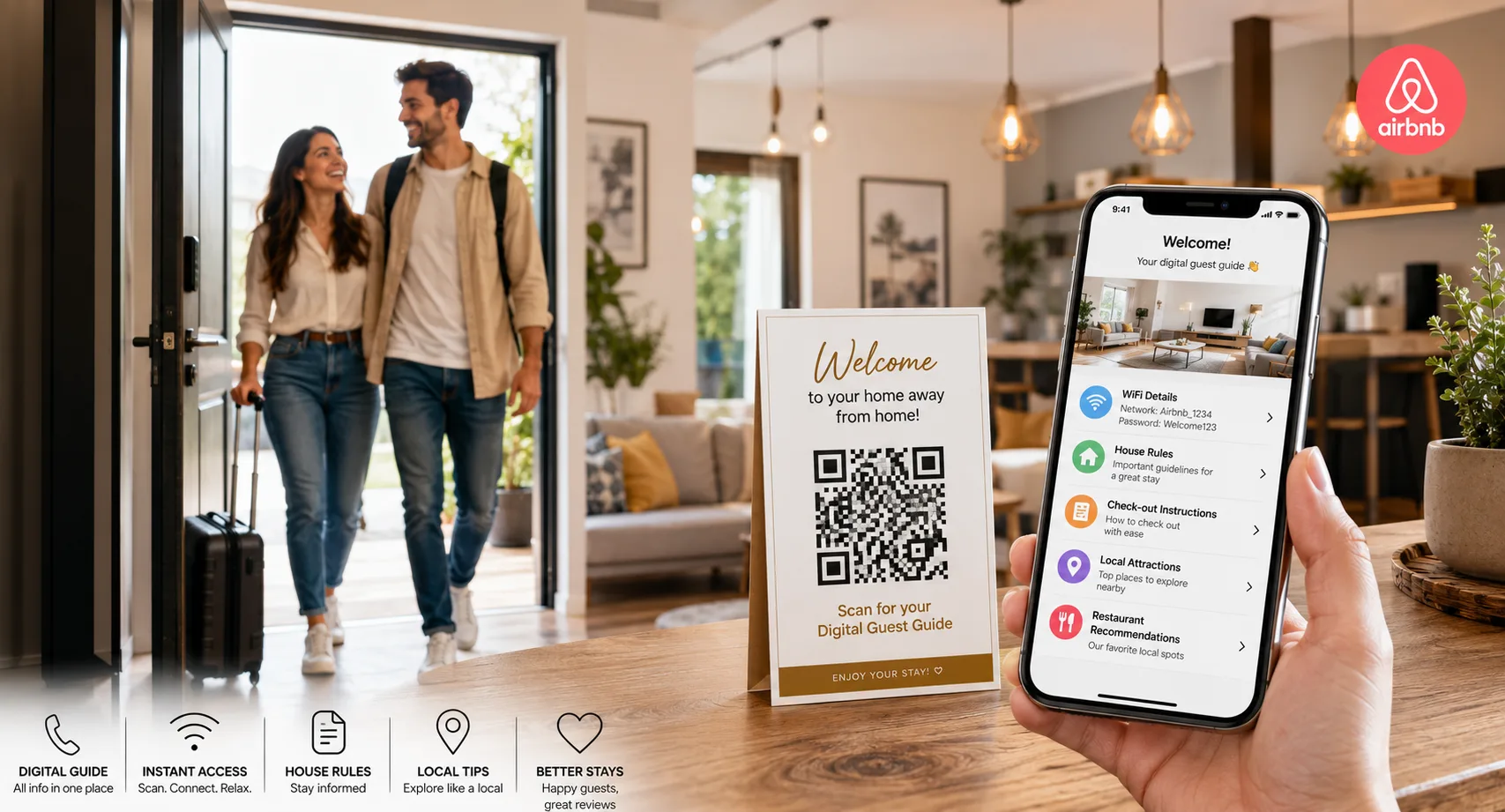
Managing guest communication can be one of the most time-consuming parts of running a successful Airbnb property. Guests frequently ask for WiFi passwords, check-out instructions, parking information, local recommendations, and house rules.
A QR code for Airbnb hosts can automate much of this process by providing instant access to a digital welcome guide. Guests simply scan the code and find everything they need in one convenient location.
In this guide, you’ll learn how Airbnb hosts use QR codes to improve guest experiences, reduce repetitive questions, and create more professional vacation rental operations.
Table of Contents
- What Is an Airbnb QR Code?
- Benefits for Hosts
- What to Include in Your Welcome Guide
- How to Create an Airbnb QR Code
- Where to Display the QR Code
- Best Practices
- FAQ
What Is an Airbnb QR Code?
An Airbnb QR code is a scannable code that directs guests to important property information through a digital welcome guide.
Instead of printing lengthy manuals or repeatedly answering the same questions, hosts can provide a single QR code that contains everything guests need.
The QR code can link to:
- Digital welcome books
- House rules
- WiFi information
- Check-in instructions
- Check-out procedures
- Local recommendations
- Emergency contacts
- Property guides
Create Airbnb QR Codes in Minutes
Generate QR codes for welcome guides, WiFi access, websites, PDFs, contact details, and more.
Create QR CodeWhy Airbnb Hosts Are Using QR Codes
Reduce Repetitive Questions
Guests can find answers instantly without messaging the host.
Better Guest Experience
Provide quick access to important information.
Save Time
Automate routine communication tasks.
Professional Presentation
Create a modern and organized guest experience.
What Should Your Airbnb Welcome Guide Include?
Essential Information
- WiFi network name and password
- Check-out instructions
- House rules
- Parking information
- Property amenities guide
- Emergency contact numbers
- Appliance instructions
- Trash and recycling guidelines
Local Recommendations
- Restaurants
- Cafés
- Shopping areas
- Tourist attractions
- Transportation options
- Grocery stores
- Medical facilities
Providing useful local information often improves guest satisfaction and reviews.
Give Guests Everything They Need in One Scan
Create QR codes that link to welcome guides, property manuals, maps, PDFs, and guest resources.
Generate QR CodeHow to Create a QR Code for Your Airbnb Welcome Guide
Step 1: Create Your Digital Guide
Build your welcome guide using a PDF, Google Doc, webpage, or cloud-hosted document.
Step 2: Copy the Guide URL
Make sure the document is accessible to guests without requiring login credentials.
Step 3: Generate the QR Code
Paste the URL into a QR code generator and create the code.
Step 4: Customize Branding
- Add property branding
- Use custom colors
- Include a call-to-action
- Download a high-resolution file
Step 5: Test Before Printing
Verify that guests can access all information quickly and easily.
Where Should Airbnb Hosts Display QR Codes?
- Welcome cards
- Entryway signage
- Kitchen counters
- Coffee tables
- Guest information folders
- Bedroom nightstands
- Printed check-in materials
Place QR codes where guests naturally look when arriving.
Advanced Airbnb QR Code Ideas
- WiFi QR codes for instant internet access
- Google Maps QR codes for nearby attractions
- Restaurant recommendation guides
- Video tutorials for appliances
- Digital house manuals
- Guest feedback forms
- Check-out checklists
The best Airbnb welcome guide answers guest questions before they need to ask them.
Best Practices for Airbnb QR Codes
- Keep information mobile-friendly.
- Use large, easy-to-scan QR codes.
- Test on Android and iPhone devices.
- Keep guides updated.
- Use clear calls-to-action.
- Provide backup contact information.
Common Mistakes to Avoid
- Linking to private documents
- Providing outdated information
- Using low-quality QR codes
- Making guides difficult to navigate
- Skipping testing before guest arrival
Automate Your Airbnb Guest Experience
Create professional QR codes for welcome guides, WiFi access, maps, guest instructions, and local recommendations.
Start CreatingFrequently Asked Questions
Can Airbnb guests scan QR codes without an app?
Yes. Most modern smartphones can scan QR codes directly through the camera app.
What is the best format for a welcome guide?
PDFs, webpages, and Google Docs are commonly used because they are easy to update and share.
Can I include WiFi information in a QR code?
Yes. Many hosts create separate WiFi QR codes for instant guest access.
Should I use static or dynamic QR codes?
Dynamic QR codes are often better because you can update guide information without replacing printed materials.
Final Thoughts
A QR code for Airbnb hosts is one of the easiest ways to improve guest communication and automate common support requests. By providing a digital welcome guide, hosts can save time, reduce repetitive questions, and create a smoother guest experience.
Whether you manage one vacation rental or multiple properties, QR codes can help you deliver a more professional, organized, and memorable stay for your guests.

Leave a Reply