
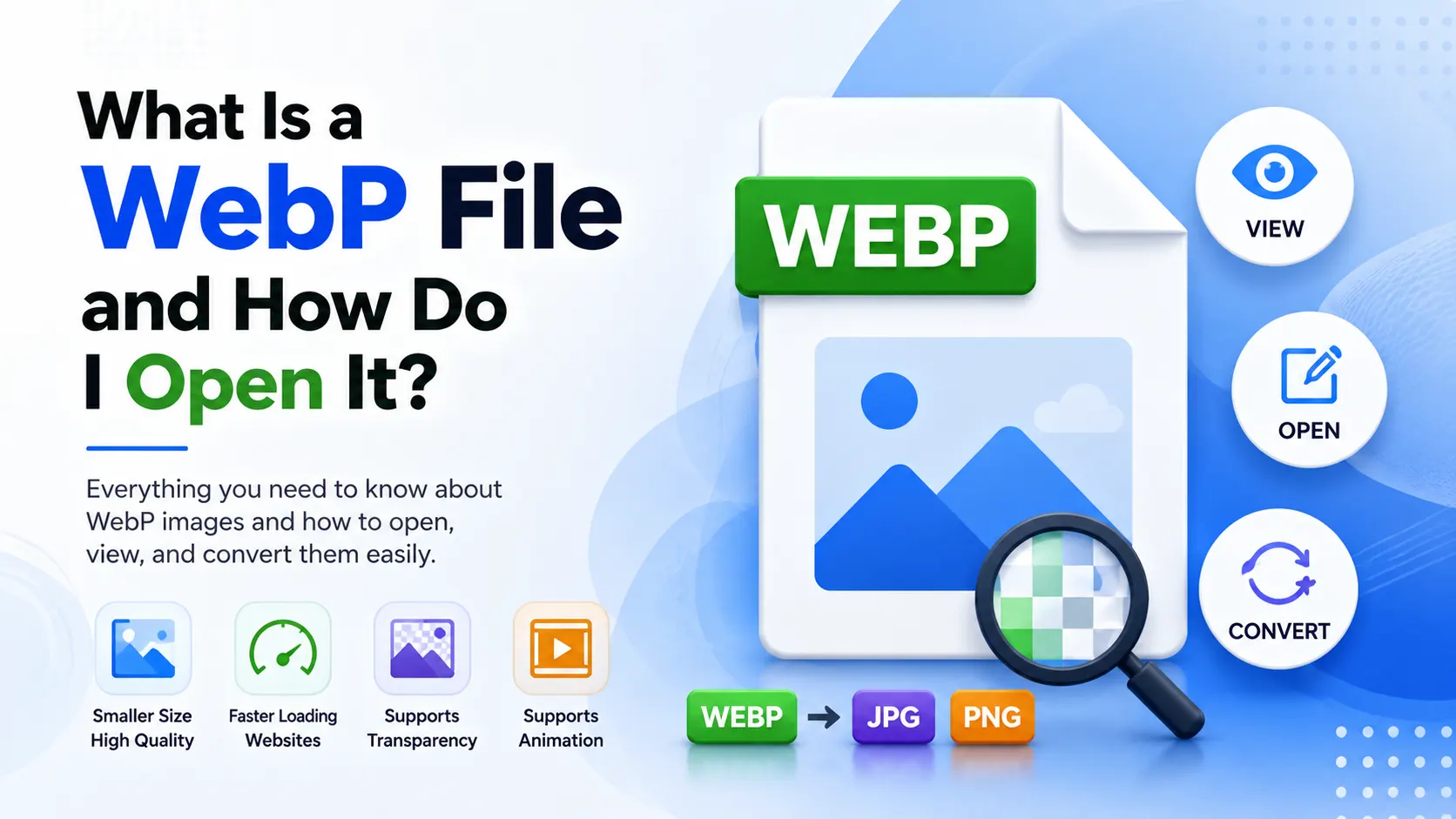
WebP is a modern image format developed to create smaller file sizes while maintaining excellent image quality. If you have downloaded a WebP file and cannot open it properly, you are not alone.
In this guide, you will learn what a WebP file is, why websites use it, how to open WebP images on different devices, and how to convert WebP files into JPG or PNG formats easily.
Table of Contents
What Is a WebP File?
A WebP file is a modern image format developed by Google that provides high-quality images with significantly smaller file sizes compared to JPG and PNG formats.
WebP images are commonly used on websites because they help pages load faster while maintaining visual quality.
The WebP format supports:
- Lossy compression
- Lossless compression
- Transparency
- Animation support
- Smaller file sizes
Many modern websites, blogs, and eCommerce platforms now use WebP images to improve website speed and SEO performance.
Convert WebP Images Instantly
Easily convert WebP files to JPG, PNG, or other image formats online without losing image quality.
Try Image Converter ToolsWhy Is WebP Used?
WebP is designed to improve website performance by reducing image file sizes while preserving image clarity.
Benefits of WebP Images
- Faster website loading speeds
- Reduced bandwidth usage
- Improved SEO performance
- High-quality images with smaller file sizes
- Supports transparency like PNG
- Supports animation like GIF
WebP files can often reduce image size by 25% to 35% compared to JPG and PNG formats without noticeable quality loss.
How to Open a WebP File
Most modern devices and browsers now support WebP images. Here are the easiest ways to open WebP files.
Open WebP on Windows
- Use Google Chrome or Microsoft Edge
- Open with Windows Photos app
- Use image editors like Photoshop or GIMP
Open WebP on Mac
- Use Safari or Chrome browser
- Open with Preview app
- Use professional image editing software
Open WebP on Android and iPhone
- Most mobile browsers support WebP automatically
- Use gallery or image viewer apps
- Convert to JPG if compatibility issues occur
Need to Convert WebP to JPG or PNG?
Convert WebP images into widely supported formats quickly and easily online.
Convert WebP FilesHow to Convert WebP to JPG or PNG
If your device or software cannot open WebP images properly, converting them to JPG or PNG is the easiest solution.
Steps to Convert WebP Images
- Upload the WebP image
- Select JPG or PNG as output format
- Start the conversion process
- Download the converted image
Converting WebP files helps improve compatibility with older devices, apps, and editing software.
Advantages of WebP Images
Smaller File Sizes
WebP significantly reduces image storage requirements compared to traditional formats.
Faster Websites
Smaller images improve page loading speed and user experience.
SEO Benefits
Faster-loading websites can improve search engine rankings and engagement.
Modern Compatibility
Most modern browsers and operating systems now fully support WebP images.
Common WebP Problems
- Older software may not support WebP files
- Some image editors cannot open WebP directly
- Incorrect browser downloads may save images as WebP unexpectedly
- Compatibility issues with older operating systems
- Problems uploading WebP images to outdated websites
Most compatibility problems can be solved by converting WebP files into JPG or PNG formats.
Convert and Open WebP Images Easily
Use fast online image converter tools to open, convert, and optimize WebP images for any device or platform.
Open Image Converter ToolsFrequently Asked Questions
What is a WebP file used for?
WebP files are mainly used for websites to reduce image sizes and improve loading speed.
Can I convert WebP to JPG?
Yes. You can easily convert WebP images into JPG or PNG formats using online image converters.
Why are images downloading as WebP?
Many websites automatically serve WebP images because they load faster and improve website performance.
Do all browsers support WebP?
Most modern browsers including Chrome, Edge, Firefox, and Safari support WebP images.
Final Thoughts
Understanding what a WebP file is helps you manage modern image formats more effectively for websites, blogs, and digital content.
WebP images offer excellent compression, faster loading speeds, and improved SEO performance while maintaining strong visual quality.
If compatibility issues occur, converting WebP files into JPG or PNG formats provides a simple and effective solution for any device or software.

Leave a Reply