
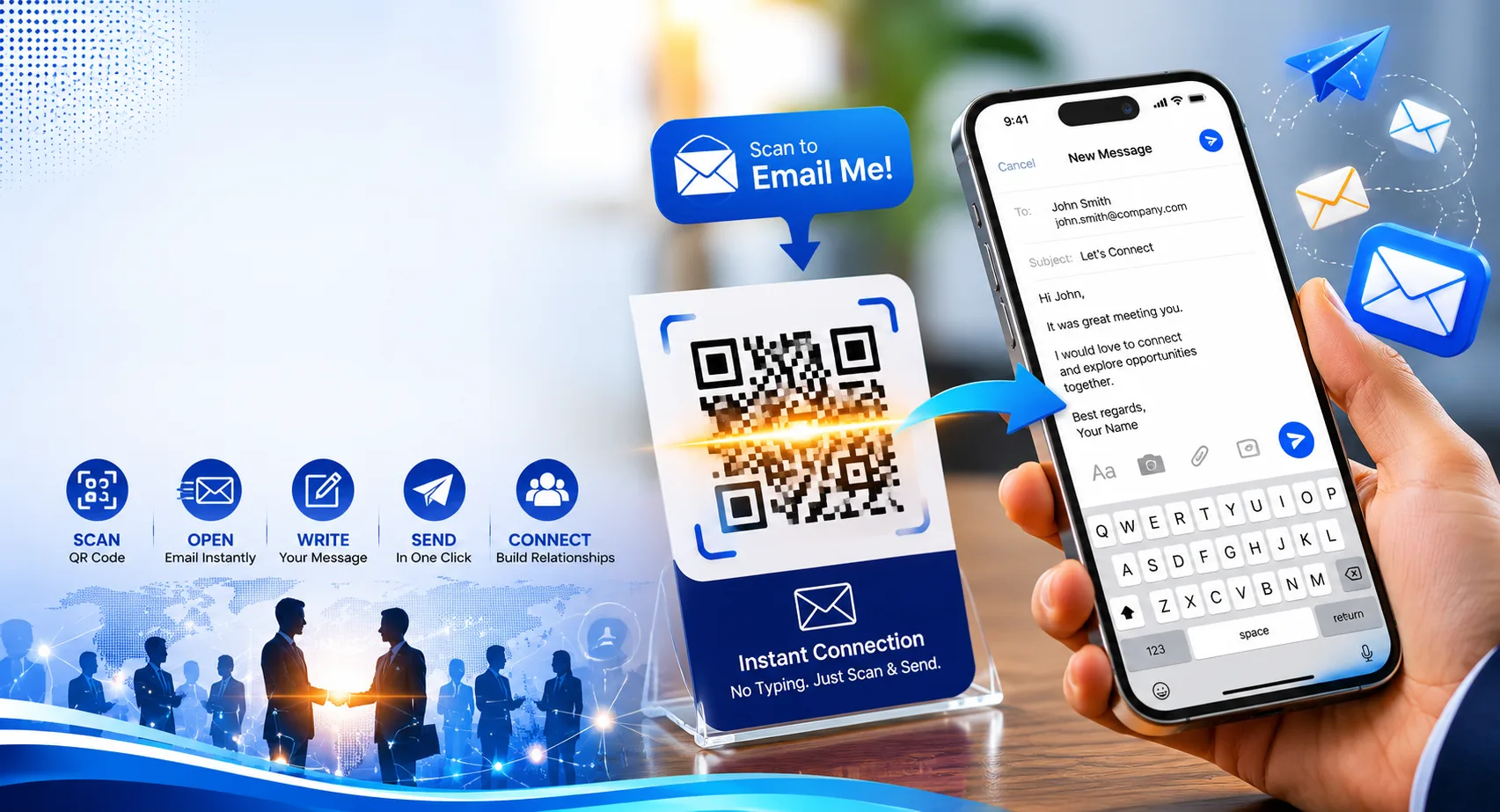
Sharing your email address manually can be inconvenient, especially at networking events, trade shows, business meetings, or on printed marketing materials. A QR code for your email address allows people to contact you instantly with a simple smartphone scan.
Instead of typing a long email address, users can scan a QR code and automatically open their email app with your address already filled in. This saves time, reduces typing errors, and makes communication easier.
In this guide, you’ll learn how to create an email QR code, where to use it, and best practices for maximizing responses.
Table of Contents
- What Is an Email QR Code?
- Benefits of Email QR Codes
- How to Create a QR Code for Your Email Address
- Where to Use Email QR Codes
- Best Practices
- Common Mistakes to Avoid
- FAQ
What Is an Email QR Code?
An email QR code contains email information that automatically launches the user’s email application when scanned.
Depending on how it’s configured, it can:
- Open a blank email addressed to you
- Pre-fill the email subject line
- Include a predefined message template
- Reduce manual typing errors
This makes it easier for prospects, clients, customers, and business contacts to reach you quickly.
Create Email QR Codes for Free
Generate QR codes for email addresses, websites, PDFs, business cards, social media, and more.
Create QR CodeBenefits of Using a QR Code for Email
Faster Communication
Allow people to contact you instantly without typing your address.
Fewer Typing Errors
Eliminate mistakes caused by manually entering email addresses.
Professional Appearance
Add a modern touch to business cards and marketing materials.
Better Lead Generation
Reduce friction and encourage more inquiries.
How to Create a QR Code for Your Email Address
Step 1: Open a QR Code Generator
Choose a QR code generator that supports email QR codes.
Step 2: Select the Email Option
Choose the email QR code type if available.
Step 3: Enter Your Email Address
Add the email address you want users to contact.
Step 4: Customize Optional Fields
- Email subject line
- Pre-written message
- Business inquiry templates
- Support request templates
Step 5: Generate the QR Code
Click Generate and download your QR code.
Step 6: Test Before Sharing
Scan the QR code using multiple devices to verify it opens correctly.
Make It Easy for Customers to Reach You
Create professional QR codes for email, websites, business cards, menus, and marketing campaigns.
Generate QR CodeWhere Can You Use Email QR Codes?
- Business cards
- Email signatures
- Marketing flyers
- Trade show booths
- Brochures
- Product packaging
- Restaurant tables
- Office signage
- Conference materials
- Networking events
Advanced Email QR Code Examples
You can create QR codes that automatically populate additional information.
Example Uses
- Customer support requests
- Sales inquiries
- Appointment requests
- Partnership proposals
- Job applications
Pre-filled email subjects help organize incoming messages more effectively.
Best Practices for Email QR Codes
- Use a professional email address.
- Add a clear call-to-action.
- Print QR codes in high resolution.
- Test across multiple devices.
- Use mobile-friendly contact workflows.
- Keep branding consistent.
A QR code should make contacting you easier, not more complicated. Keep the process simple and friction-free.
Common Mistakes to Avoid
- Using inactive email addresses
- Printing low-quality QR codes
- Making QR codes too small
- Not testing before publishing
- Using unclear call-to-action text
Email QR Code vs Business Card QR Code
| Feature | Email QR Code | vCard QR Code |
|---|---|---|
| Email Access | Direct | Included |
| Phone Number | No | Yes |
| Contact Details | Email Only | Complete Profile |
Create Professional Email QR Codes Today
Generate QR codes that help customers, prospects, and partners contact you instantly.
Start CreatingFrequently Asked Questions
Can a QR code automatically open an email?
Yes. Email QR codes can launch the user’s default email app with your address already entered.
Can I add a subject line?
Yes. Many email QR codes support pre-filled subject lines and message templates.
Are email QR codes free?
Most QR code generators offer basic email QR codes for free.
Do email QR codes expire?
Static email QR codes generally do not expire unless managed through a service with limitations.
Final Thoughts
Creating a QR code for your email address is one of the simplest ways to improve communication and generate more inquiries. Whether you’re a freelancer, business owner, consultant, or sales professional, email QR codes make it easier for people to contact you instantly.
By adding an email QR code to your business cards, brochures, marketing materials, and events, you can reduce friction and create a more professional networking experience.

Leave a Reply