
WiFi QR Code Generator – Share WiFi Easily
A WiFi QR code generator helps you share WiFi without typing passwords. Just scan the QR code, and the device connects automatically. It is fast, easy, and safe to us
WiFi QR Code Generator
Generate a beautiful QR code for your WiFi network instantly.
How to create qr code for wifi
Creating a WiFi QR code is very easy. You do not need any app or technical skill. Just follow these simple steps.
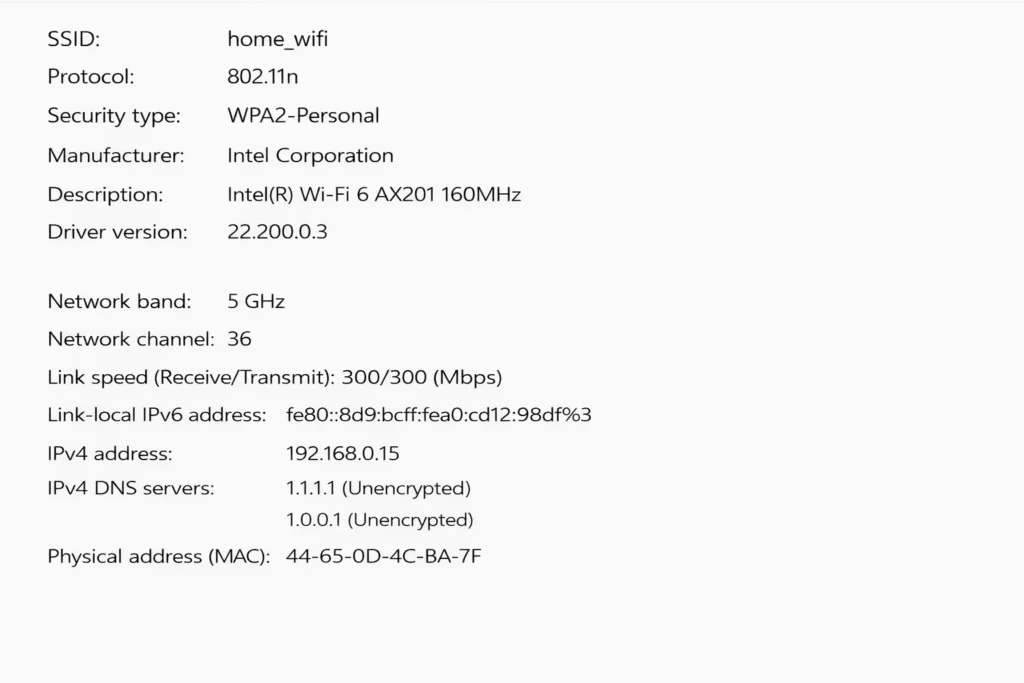
Step 1: Enter WiFi Details
Type your WiFi name (SSID) in the first box.
Choose the security type .
Then enter your WiFi password correctly.
Step 2: Generate WiFi QR Code
Click the Generate QR Code button.
Your WiFi QR code will appear instantly on the screen.
Step 3: Download and Share
Download the QR code as an image.
Place it on the wall, table, or share it digitally.
AGenerate QR Code for WiFi in Seconds
You can generate a QR code for WiFi by entering your network name and password. Click generate, and your WiFi QR code is ready. No app or login needed.
Make QR Code for WiFi and Share Anywhere
Use this tool to make a QR code for WiFi and place it in homes, offices, cafés, hotels, or shops. Guests can scan and connect without asking for the password again and again.
Share WiFi QR Code Without Hassl
With one scan, users can share WiFi QR code easily. It works on Android, iPhone, and all modern devices. This saves time and avoids typing mistakes.
WiFi QR Code Generator Without Password Display
This is a WiFi QR code generator without password showing on screen. Your password stays hidden inside the QR code, keeping your network secure.
Why Use This WiFi QR Code Generator?
- ✅ Free to use
- ✅ No signup required
- ✅ Works on all devices
- ✅ Safe and secure
- ✅ Instant download
Best Use Cases
Events & Meetings 🎟️📅
(Scan & connect to WiFi in seconds)
Homes 🏠📶
Offices 🏢📡
Restaurants & Cafés 🍽️☕📶
Hotels & Hostels 🏨🛎️📶
Frequently Asked Questions (FAQ)
How do I create QR code for WiFi password?
You can create QR code for WiFi password by entering your WiFi name (SSID), password, and security type in the generator tool. Click generate, and your QR code will be ready. Anyone can scan it to connect instantly without typing the password.
How can I create QR code for WiFi easily?
To create QR code for WiFi, open the WiFi QR code generator, enter your network name and password, and click generate. Download the QR code and share it. This works on mobile, laptop, and tablet.
How do I generate QR code for WiFi for free?
You can generate QR code for WiFi using a free online tool. No signup is required. Just enter your WiFi details, generate the QR code, and download it as PNG or SVG. It is fast, safe, and 100% free.
Why should I make QR code for WiFi instead of sharing password?
When you make QR code for WiFi, users can connect by scanning instead of typing. This saves time and avoids password mistakes. It is useful for homes, offices, hotels, and cafes.
Can I share WiFi QR code without showing password?
Yes. You can share WiFi QR code safely. People scan the code to connect, but they do not need to see or type the password. A WiFi QR code generator without password storage keeps your information private and secure.